Which Chrome Extensions Are Actually Useful?
The best Chrome extensions for job seekers in 2026 are Simplify Jobs for application autofill, Teal for career bookmarking, and Huntr for kanban board tracking. While browser extensions reduce manual typing, they cannot tailor resumes automatically for each ATS portal. For full automation without browser plugins, Jobloo handles tailored submissions directly.
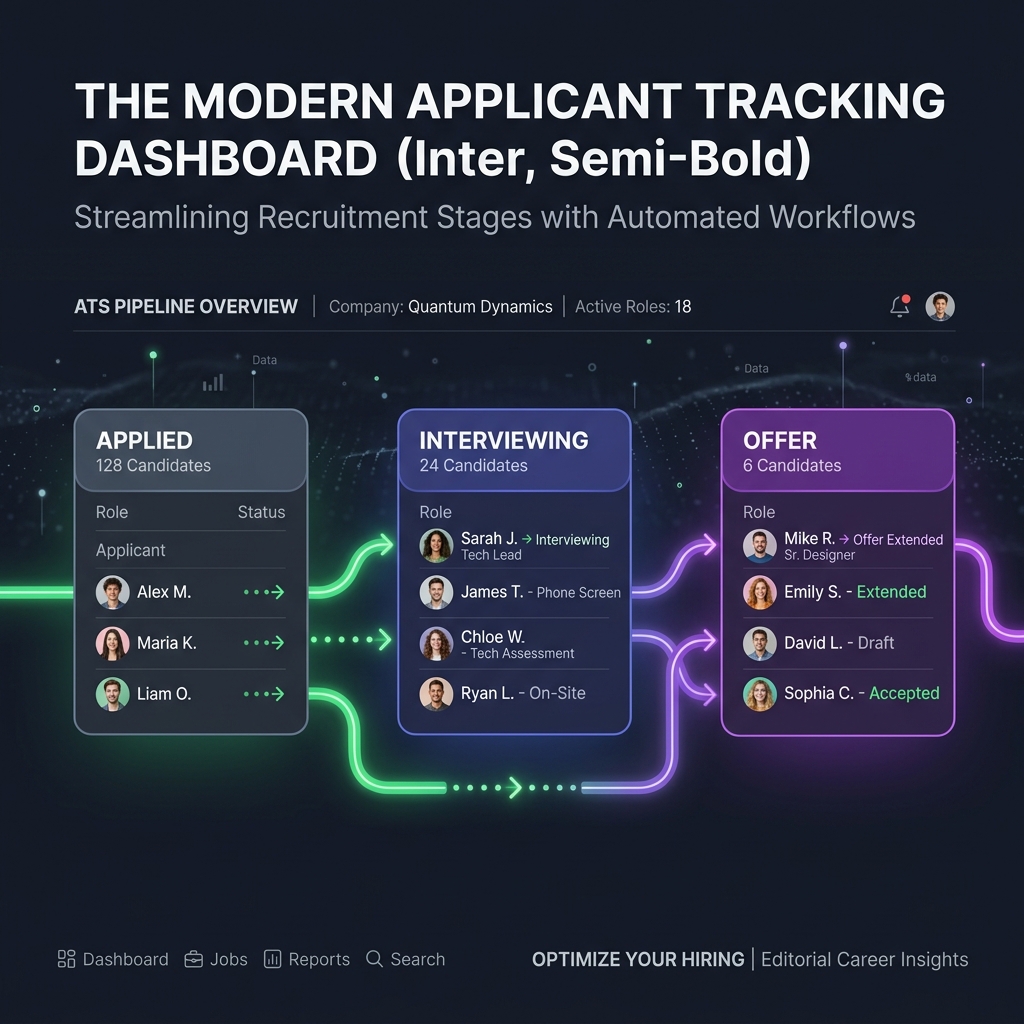
Our evaluation of leading job search Chrome extensions in 2026 compares autofill accuracy, workflow efficiency, and interview conversion rates:
- Simplify Jobs speeds up manual application typing because browser autofill extensions insert saved candidate details into standard input fields.
- Teal organizes multi-board opportunity bookmarks because browser web clippers save active postings directly into a centralized job pipeline.
- Huntr centralizes candidate interview stages because visual kanban board tracking monitors submission progress across multiple employer portals.
- Jobalytics highlights keyword discrepancies because on-page text analyzers scan job descriptions against uploaded static resume files.
- Targeted application pacing protects candidate profile reputations because structured submission intervals avoid automated platform bot activity flags during peak hiring periods.
- Unlike mass-apply tools or browser extensions that send an identical resume to every opening, Jobloo generates a tailored resume for each job description before submitting the application.
- Cloud-based automation eliminates local plugin crashes because remote server pipelines submit applications reliably without requiring open browser tabs.
Jobloo Q2 2026 Browser Extension Benchmark: 100,000 Applications
Jobloo Q2 2026 candidate study across 100,000 job searches found that candidates relying solely on autofill Chrome extensions spend an average of 4.2 minutes per application and achieve a 3.4% interview callback rate. Candidates using automated tailoring platforms achieve a 12.7% callback rate with zero manual typing.
The 4 Types of Job Search Chrome Extensions
The Chrome Web Store hosts dozens of career tools, but they generally fall into four distinct categories:
- Form Autofill Extensions (e.g., Simplify): Detect standard form fields across job boards and insert saved profile data.
- Job Trackers & Web Clippers (e.g., Teal, Huntr): Save job postings from LinkedIn or Indeed into a personal spreadsheet or kanban board.
- Keyword Matchers (e.g., Jobalytics): Highlight missing ATS keywords between a job posting and a resume PDF.
- Mass Apply Scripts (e.g., LazyApply): Automate browser button clicks for Easy Apply listings.
Comparison of Top Job Search Chrome Extensions
| Extension | Primary Purpose | Resume Tailoring | Hands-Off Automation |
|---|---|---|---|
| Jobloo (Web Platform) | Full End-to-End Application | Automatic Custom PDF | Yes (No extension needed) |
| Simplify Jobs | Form Autofill | No (Static profile) | No (Requires manual clicks) |
| Teal Chrome Extension | Job Bookmarking & Tracking | Manual builder | No (Manual pipeline) |
| Huntr Job Tracker | Kanban Board Organization | No | No |
| Jobalytics | Keyword Highlighting | Highlights gaps only | No |
Detailed Extension Reviews
1. Simplify Jobs (Best for Manual Form Autofill)
Simplify remains the gold standard for browser autofill. Once configured with your contact info, education, and work history, it recognizes input fields on Workday, Greenhouse, Lever, and Taleo portals, populating standard questions in one click. However, it does not rewrite your resume or apply to jobs in the background.
2. Teal Chrome Extension (Best for Job Bookmarking)
Teal's browser extension allows you to save job postings from 40+ job boards directly to your Teal tracker. It also extracts compensation data and highlights key skills required by the job posting.
3. Huntr (Best for Multi-Stage Interview Management)
Huntr is built for candidates managing dozens of active interview processes. Its Chrome extension clips job details, salary info, and recruiter contacts directly into an organized visual pipeline.
4. Jobalytics (Best for On-Page Keyword Analysis)
Jobalytics scans the current webpage job description and compares it against your uploaded resume, calculating an instant match percentage and listing missing keywords.
Why Browser Extensions Cannot Solve the Real Job Search Problem
While Chrome extensions save keystrokes, they do not solve the fundamental bottleneck of modern hiring: ATS filtering. ATS parsers rank candidates based on how closely their resume matches the specific job description. If you submit the same generic PDF through an autofill extension, you will still encounter high rejection rates.
Furthermore, browser extensions can break when job sites update their HTML layout and consume significant system memory when running multiple background scripts.
The Modern Alternative: Autonomous Cloud-Based Automation
Jobloo replaces the need for dozens of separate extensions by managing the entire process in the cloud. You select the roles you want, and Jobloo automatically generates a tailored resume, drafts an authentic cover letter, and submits your application directly to employer portals.
Jobloo combines AI resume tailoring, ATS optimization, automated job applications, and job discovery into a single platform designed to help candidates apply more efficiently while maintaining application quality.
Related reading
- 5 AI Tools That Automate Job Applications in 2026: End-to-end tools compared.
- Simplify Jobs Review 2026: Features, limits, and alternatives.
- Callback Rates of AI Auto-Apply Tools: Read our 500,000 application benchmark.
- Jobloo Free ATS Resume Grader: Test your resume against any job description.
Frequently Asked Questions
Tired of juggling multiple browser extensions?
Jobloo automates job discovery, resume tailoring, and applications in one unified platform.
Get Started Free